Create a Spawn switch
A Spawn switch displays objects registered in VRCObjectPool one at a time. Use SpawnObjectExt in the Extension version.
Setup
- Add a GameObject for the switch to the Hierarchy
- Add a Collider for Interact detection
- Add the
SpawnObjectExtcomponent - In
VRC Object Pool, assign the GameObject containing theVRCObjectPoolyou created - Set the destination mode to
単一(Single) - Configure
Spawn Pointif needed
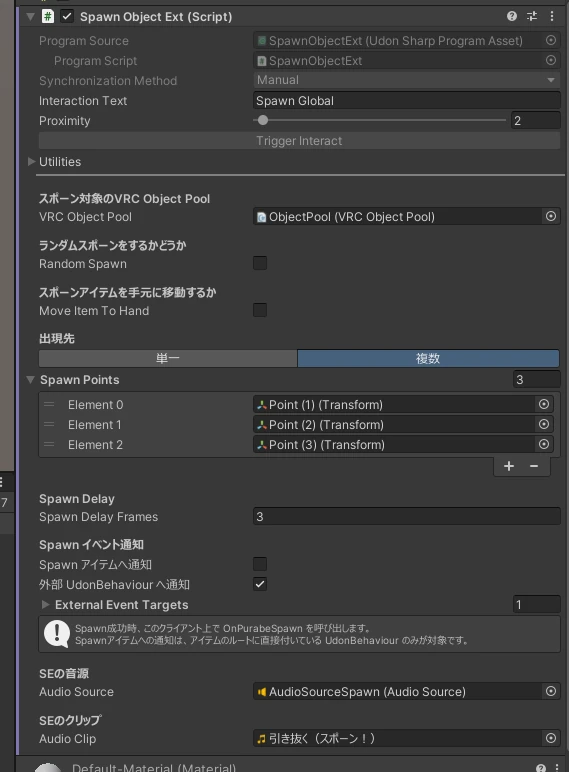
When a player Interacts with the switch, objects in the Pool are displayed in sequence.
Spawn position
Create a GameObject that represents the spawn position, then assign its Transform to Spawn Point. Both position and rotation are applied.
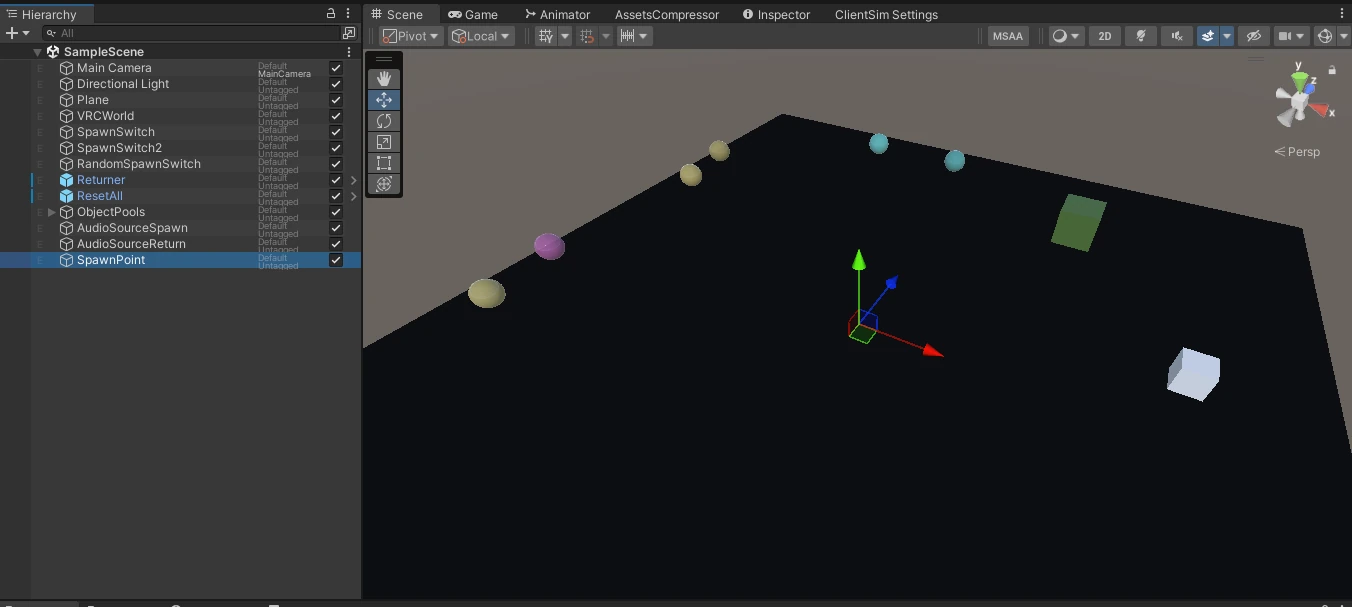
Enable Move Item To Hand to move the item to whichever hand is closer to the switch. In this case, Spawn Point is not used.
After confirming the basic behavior, see Configure multiple spawn points to use more than one destination.
To adjust the spawn height or orientation for each item, see Adjust position and rotation when spawning.
Test the switch
- Start the world
- Interact with the Spawn switch
- Confirm that one object from the Pool appears
- If
Spawn PointorMove Item To Handis configured, confirm that the object moves to the expected position
See SpawnObjectExt settings for details about each field.
After confirming the behavior, continue to Create a Return trigger.